
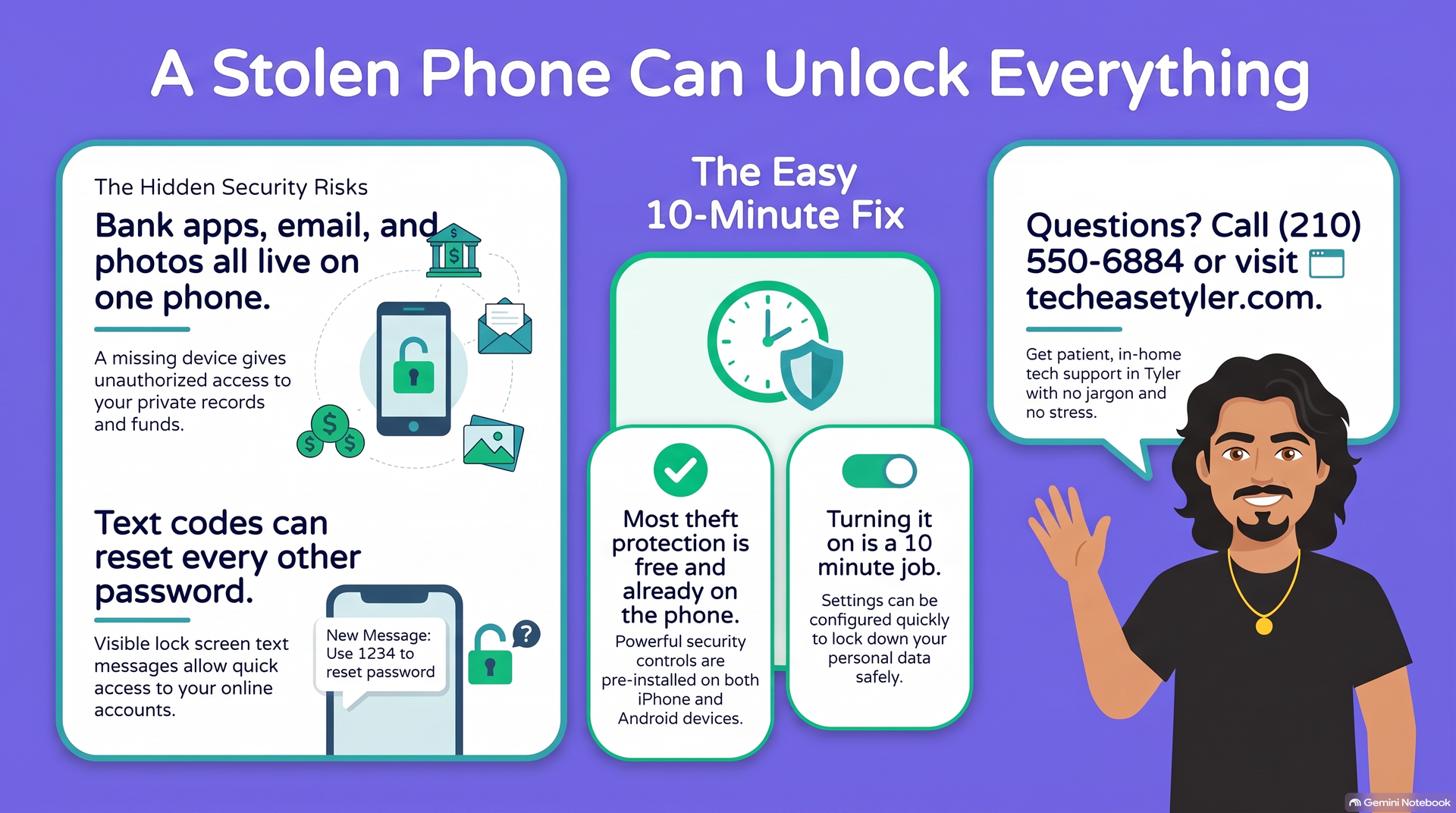
A stolen phone used to mean losing a phone. Today it can mean losing a lot more. Banking apps, email, photos, and the text messages that reset every other password all live on that one device.
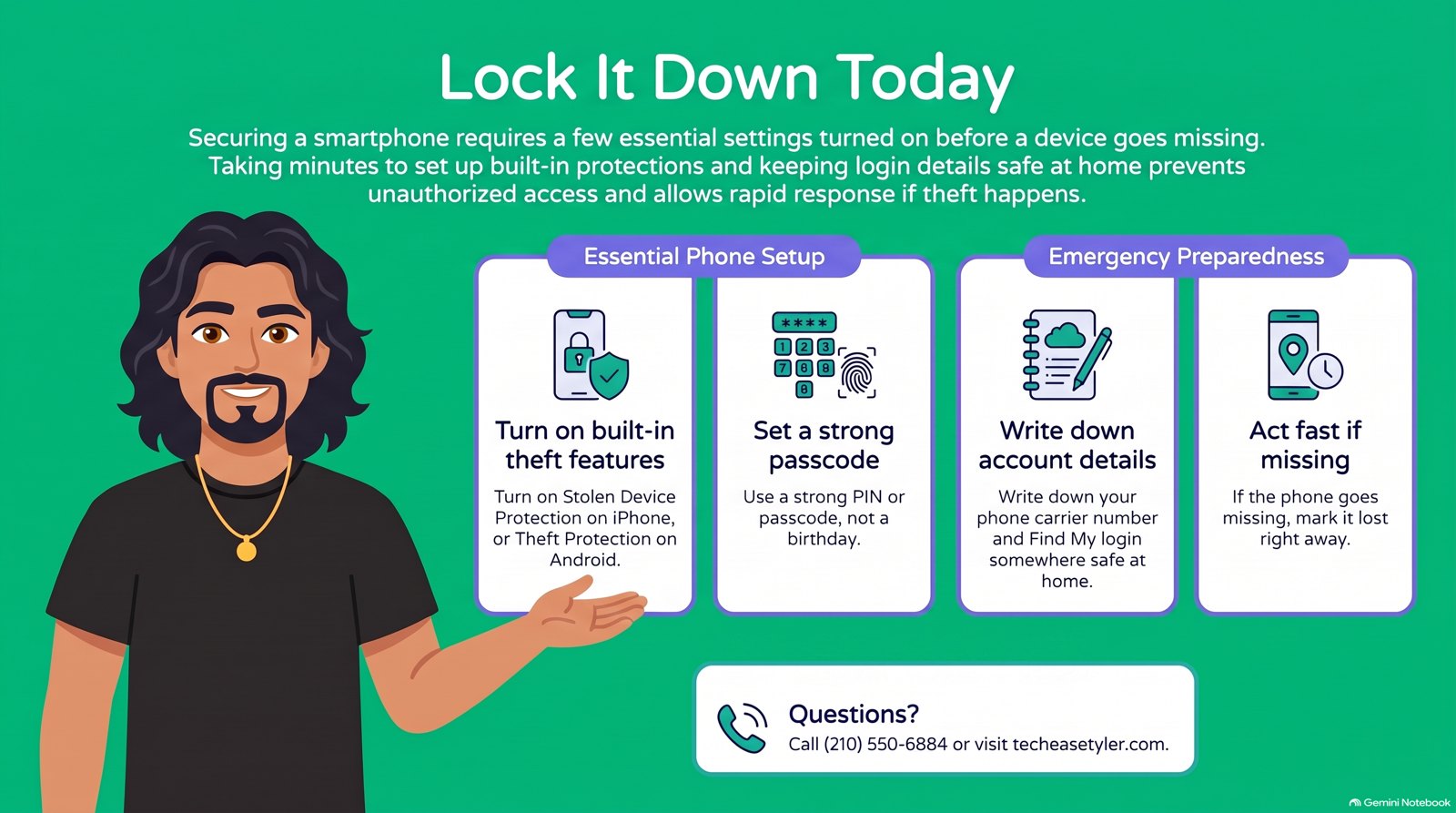
The good news is that both Apple and Google have added strong theft protection, and most of it is free and already on the phone. It just needs to be switched on. If you handle tech for an aging parent, this is a 10-minute job that is worth doing on your next visit.
🍎 On an iPhone
Three settings do most of the work. Turn them on in this order.
Settings, then Face ID and Passcode. Turn on Stolen Device Protection. Now a thief who knows the passcode still cannot change the Apple account or wipe the phone without a face or fingerprint scan.
Settings, then Face ID and Passcode, then Change Passcode. Pick a 6-digit code that is not a birthday. This is the lock everything else sits behind.
Settings, tap the name at the top, then Find My, then Find My iPhone, and turn it on. If the phone goes missing, you can find it, lock it, and show a contact number from any browser at iCloud.com.
🤖 On an Android phone
Android has caught up and added its own theft tools. The names vary a little by brand, but these three are the ones to find.
Settings, then Security, then Screen lock. Use a PIN or pattern plus a fingerprint. A phone with no lock is wide open the moment it leaves a pocket.
Settings, then Security, then Find My Device, and turn it on. If the phone goes missing, you can locate, lock, or erase it from android.com/find in any browser.
On newer Android phones, look under Settings, Security and privacy, Device unlock, Theft protection. It senses a grab-and-run and locks the screen by itself.
🚩 The real danger signs
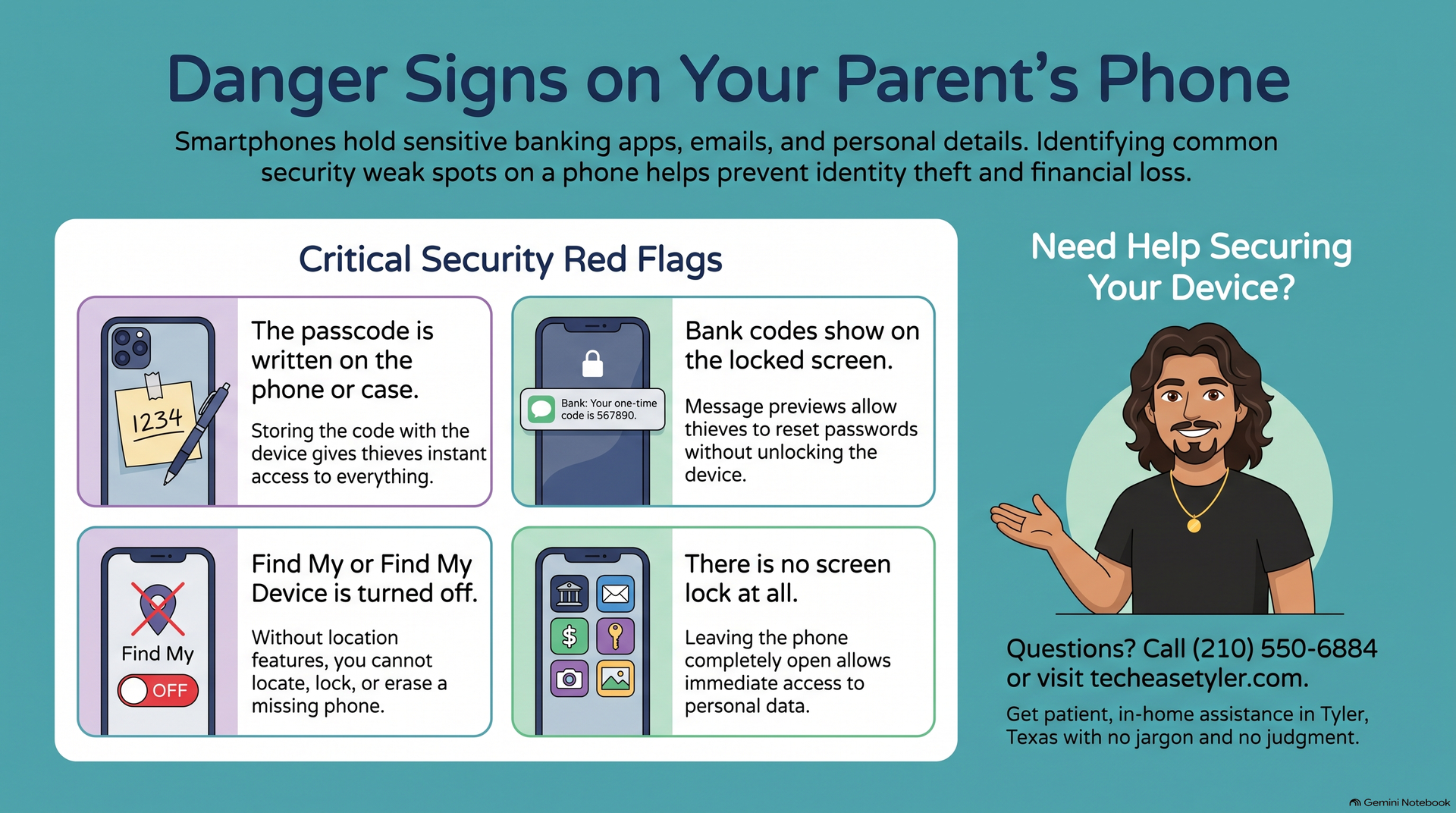
A stolen phone is bad. A stolen phone that unlocks everything else is a disaster. Watch for these weak spots on your parent's phone.
It is common and it undoes every other protection. Move it to a note at home instead.
If a bank code pops up on a locked phone, a thief does not even need to get in. Set previews to show only when unlocked.
Without it, a lost phone is just gone. With it, you can lock and erase it from any computer in minutes.
🤝 Want a second set of hands on this?
If you would rather not walk your mom or dad through phone menus over a long-distance call, we will come to their home here in the Tyler and Bullard area and set every one of these up with them, iPhone or Android. We will make sure Find My works, the passcode is strong and safely written down, and the lock screen is not leaking codes.
While we are there, it is a great time to make the phone easier to use too. See our guide on what security software is actually worth paying for, and read how a careful clerk stopped a scam in the Dollar General story.
God Bless.
Robert
Owner, TechEase
"No jargon, no judgment, just patient help that makes sense."
📞 (210) 550-6884 | Transparent Flat-Rate Pricing | We Come to You