

If your mom or dad has an iPhone, you already know the problem. The phone rings all day. A fake car warranty. A pretend bank fraud department. A robot voice saying their Social Security number has been suspended. For an older parent living alone, every one of those calls is a little jolt of worry, and every so often one of them works.
Here is the good news. Apple built a setting into every iPhone that sends calls from numbers that are not saved in contacts straight to voicemail. Real people your parent knows still ring through. Strangers and robots do not. It takes about thirty seconds to turn on.
I set this up on phones all over Tyler, and it is one of the simplest things you can do to give someone their quiet back. Let me walk you through it in plain English.
🔍 Why These Calls Target Your Parents
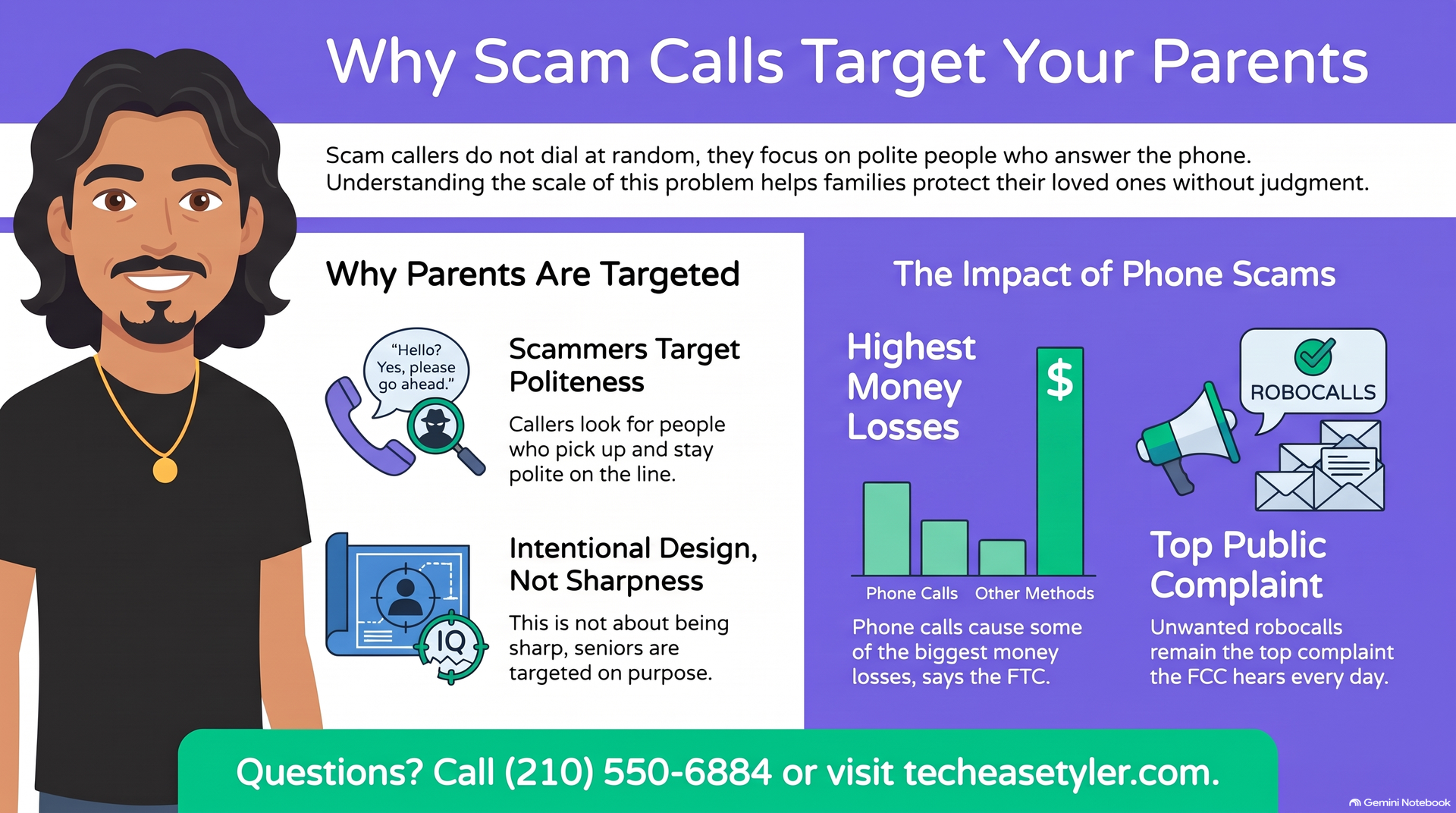
Scam callers do not dial at random. They go after people who answer the phone, who are polite, and who were raised to trust a voice on the other end. That describes a lot of our parents and grandparents. The people most likely to pick up are the people scammers want most.
The Federal Trade Commission reports that a phone call is tied to some of the highest money losses of any way a scammer makes contact. The Federal Communications Commission says unwanted robocalls are still the top complaint it hears from the public. When a scammer blasts out thousands of calls, it only takes one worried person to make their day.
📱 The One Setting That Stops Most of Them
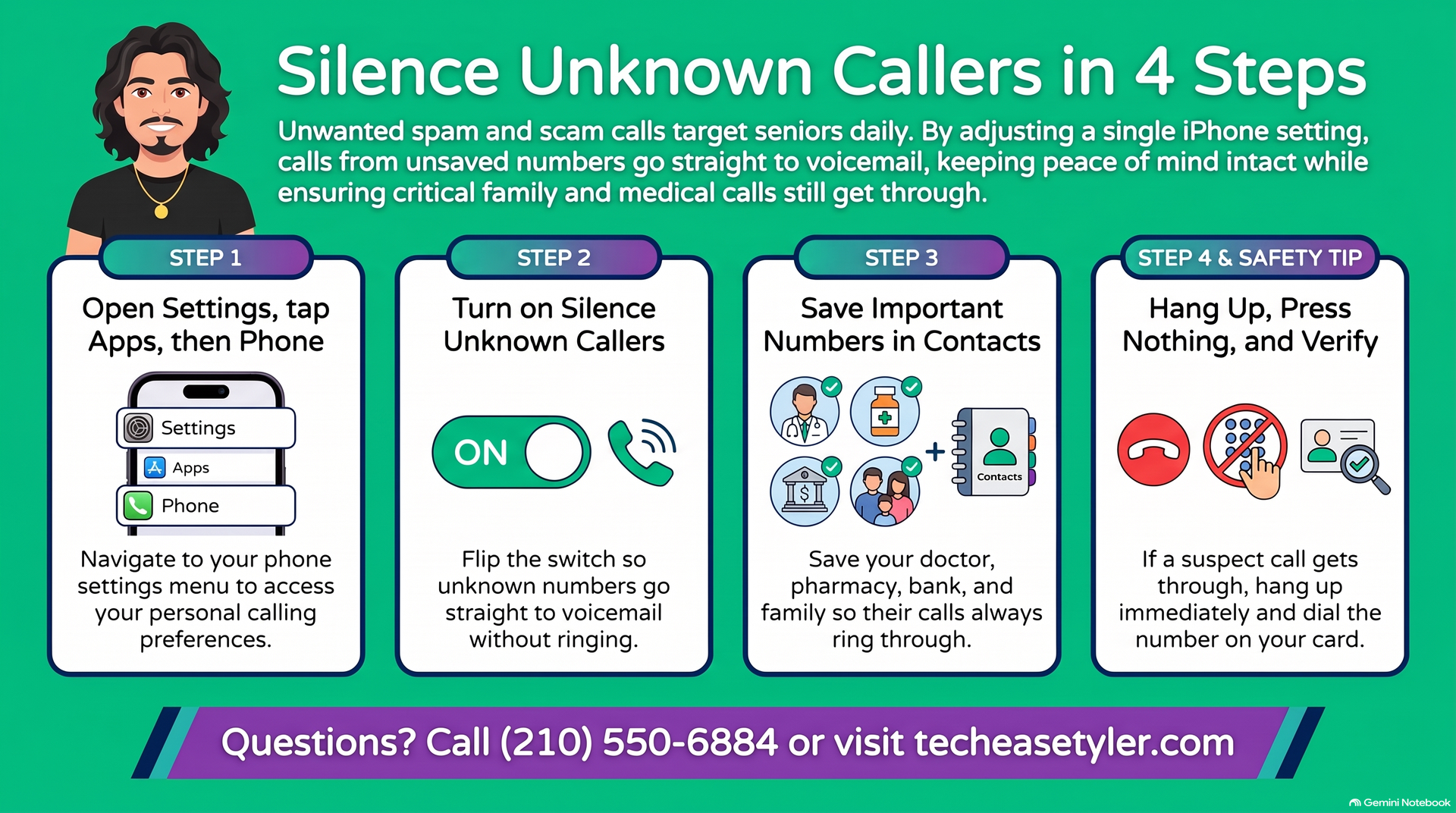
The setting is called Silence Unknown Callers. On newer iPhones it shows up as Screen Unknown Callers, and you choose Silence. Either way it does the same simple thing. Anyone saved in their contacts still rings through. Strangers go straight to voicemail. Here is how to turn it on.
Tap the gray gear icon on the home screen.
Tap Apps, then tap Phone. On older iPhones, just tap Phone in the main Settings list.
Scroll down to Silence Unknown Callers. On newer phones, tap Screen Unknown Callers.
Flip the switch on, or choose Silence. When it is set, you are done.
One small step makes this work even better. Take a few minutes and save the numbers your parent actually needs into their contacts: the doctor, the pharmacy, the bank, close family, and church. Save the numbers that matter, and the right calls always get through.
If one bad number keeps calling, you can block it directly. In the Phone app, tap Recents, tap the small letter i next to the number, scroll down, and tap Block this Caller. You can see the full official steps on Apple’s support page.
🚩 How to Tell a Scam Call From a Real One
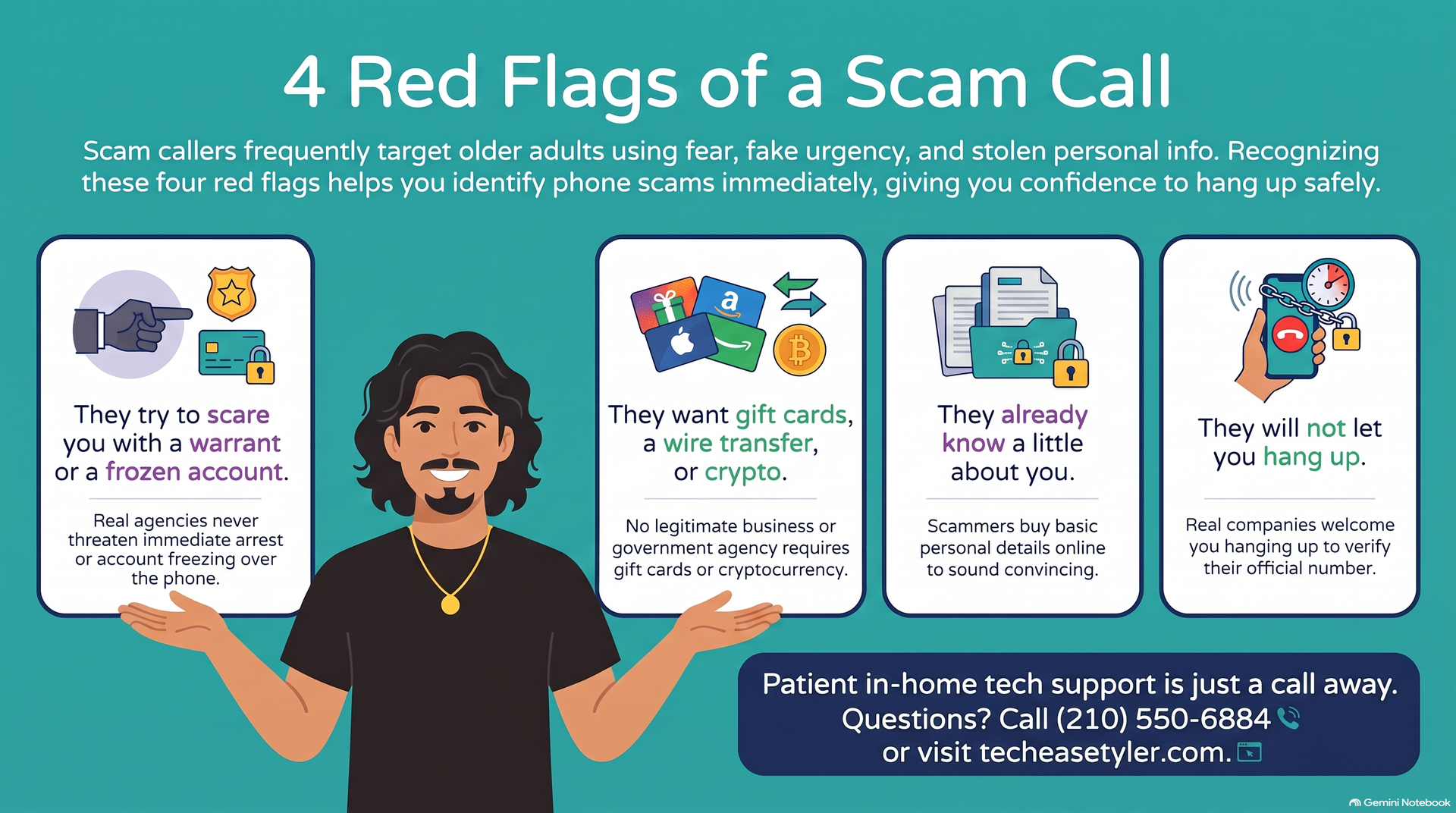
Some calls will still get through, especially when a scammer fakes a local Tyler number. So it helps to know the signs. If your parent hears any of these, it is a scam, every time.
A warrant is out for your arrest. Your account is frozen. Your grandson is in jail. Real agencies do not call and threaten you like this.
Gift cards, a wire transfer, cryptocurrency, or staying on the line while you drive to the store. No real agency, bank, or government office is ever paid in gift cards.
They may have a name or the last four digits of a card. That is bought and traded information. It does not make them real.
A real company is happy for you to hang up and call back the number on your card or statement. A scammer will do anything to keep you on the line.
We have seen exactly this happen to local families. Read the true story of the fake deputy Bitcoin scam hitting Smith County families to see how convincing these callers can sound.
✅ What To Do When a Scam Call Gets Through
Even with the setting on, a spoofed call can slip past now and then. Here is the simple plan to share with your parent. When in doubt, hang up and call the number on the back of the card.
You do not owe a stranger a conversation. It is not rude to hang up on a scammer.
Do not press 1 to be removed. Pressing a button just tells them a real person answered.
If they claim to be the bank, call the number printed on the card or statement, never a number they give you.
Tell the FTC. If money changed hands, call the AARP helpline below for free advice.
Keep these numbers somewhere handy. You or your parent can call any of them for free.
A good neighbor or a watchful clerk can stop a scam in its tracks too. Read how a Dollar General manager helped stop a 500 dollar scam on a veteran right here in East Texas.
God Bless.
Robert
Owner, TechEase
"No jargon, no judgment, just patient help that makes sense."
📞 (210) 550-6884 | Transparent Flat-Rate Pricing | We Come to You