

You hear it at the chamber breakfast, from a cousin who "does social media," or in a business group online: "Skip the website. Facebook is free." It sounds like a smart way to save money.
Here is the catch. The cost shows up the day your page gets locked and your customers cannot find you anywhere else. This post is for Tyler and East Texas business owners who want to keep the good part of Facebook without betting the whole business on it.
The short version: keep Facebook, and add one simple page that you own. It takes less time than you think, and the steps are below.
📣 What you'll hear
The advice is to run your entire business from a Facebook page. Post your hours, photos and specials there, let customers message you, and skip paying for a website altogether.
It is usually said with good intentions. Money is tight when you are starting out, and nobody wants a monthly bill for something that feels optional.
🤔 Why it sounds right
Because part of it is true: Facebook is free, and it is one of the best places in town to be seen. Your neighbors are already there, posting is easy, and a good photo of your work can travel fast.
Keep Facebook. It just should not be your only home online. The advice goes wrong at the word "only."
⚠️ What actually happens
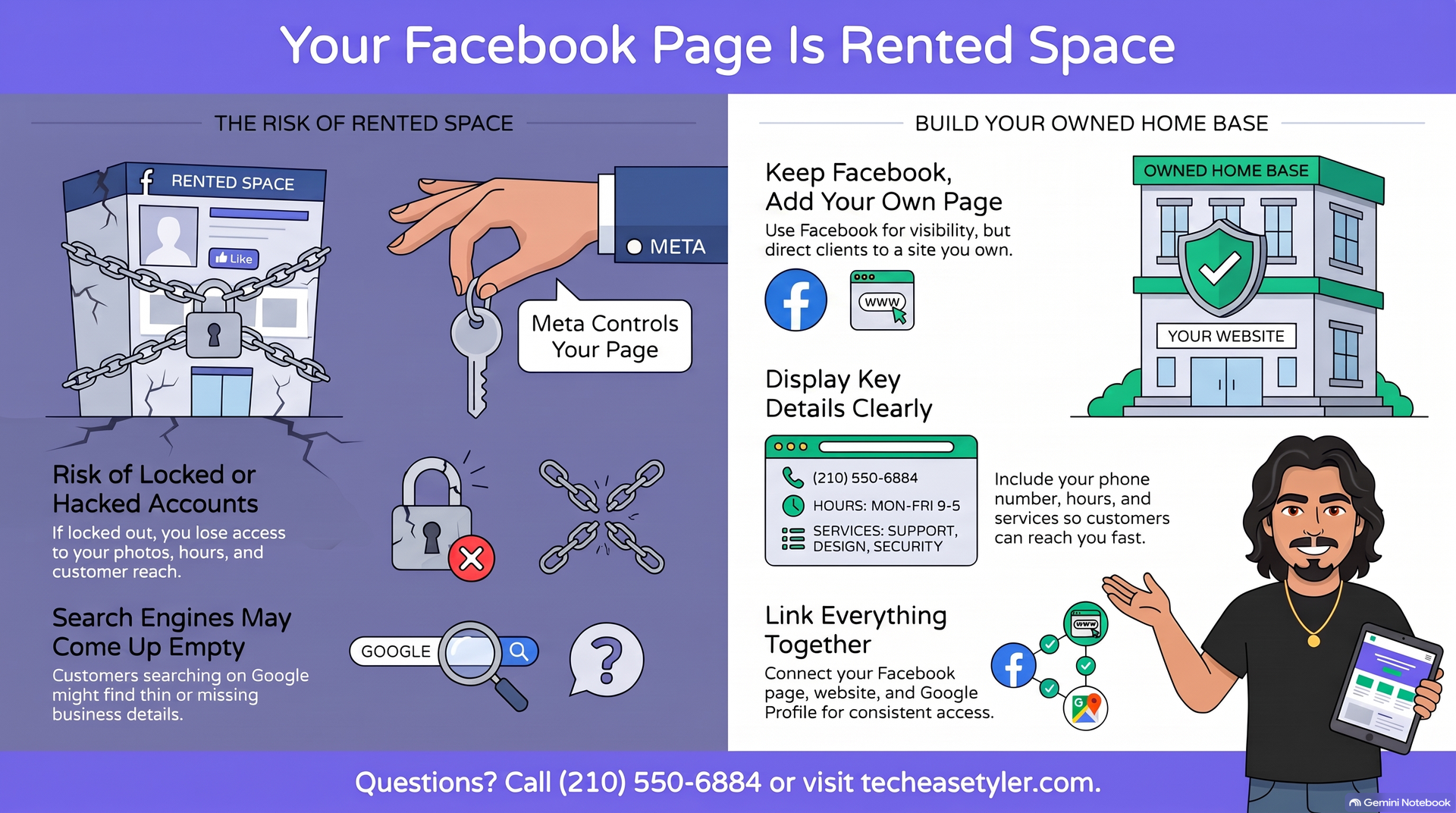
A Facebook page is rented space, not property you own. It lives on Meta's platform, under Meta's rules, and access can change without much warning.
Meta's own Help Center has a page on what to do when a Facebook account is disabled, and it explains that you will see a disabled message when you try to log in. Accounts can also be taken over. Meta has a separate page on recovering a hacked Facebook account. Recovery is possible in many cases, but it takes time, and a business with no other website has nothing to point customers to while it waits.
There is a second problem that has nothing to do with locks or hacks. Plenty of people search a business name on Google before they decide to call. Google's own guidelines for Business Profiles say you can list a website that represents your business location. If you have no website, that spot stays empty, and the customer is left guessing.
A quick test you can do right now: open your phone, sign out of Facebook, and search your business name in Google. Whatever shows up is what a brand-new customer sees. If it is thin or confusing, that is the gap to fix.
✅ Do this instead
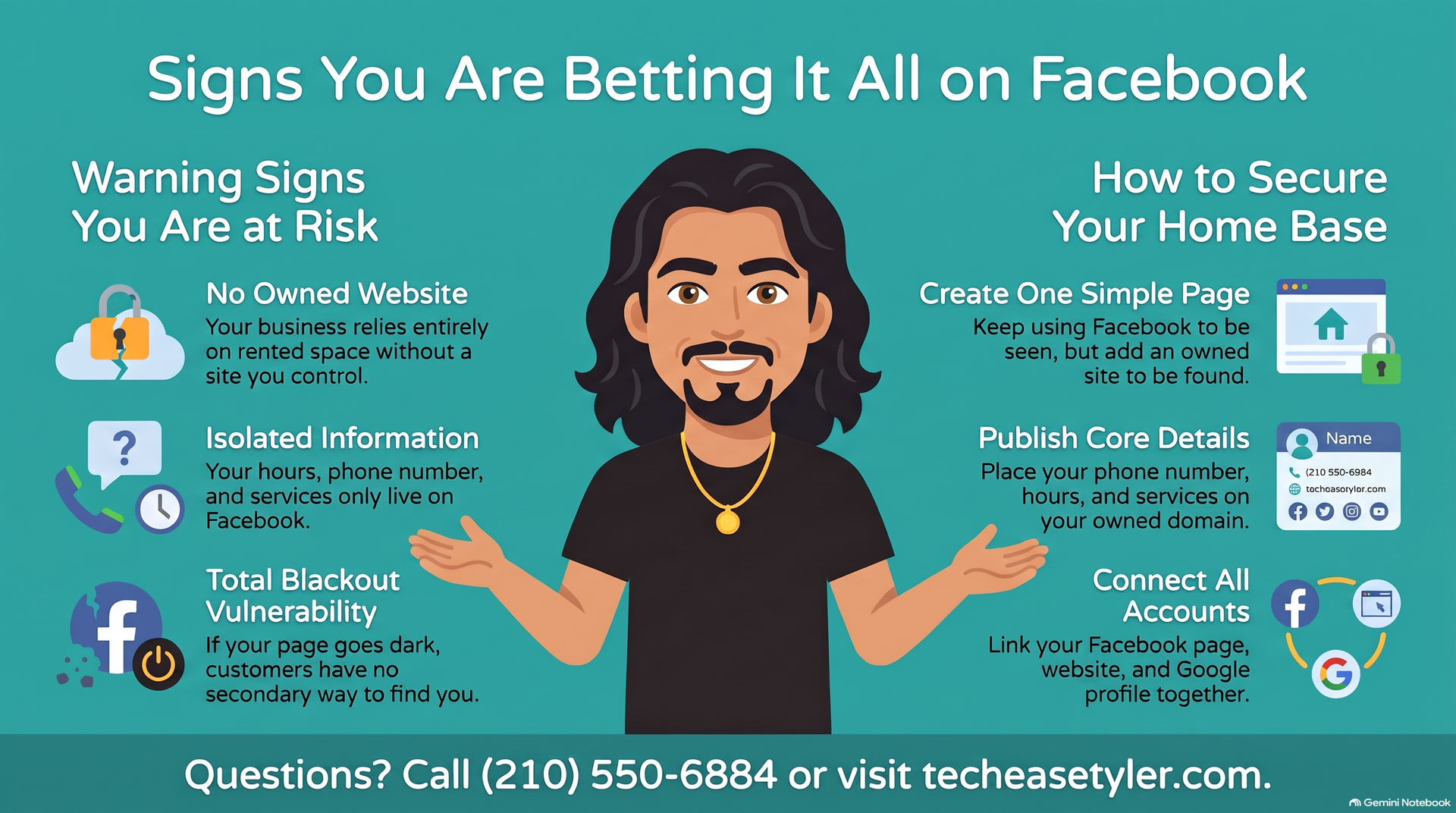
Keep your Facebook page and add one simple page you own. One clean page you own is enough to be your home base. It does not need to be fancy, and you can start today.
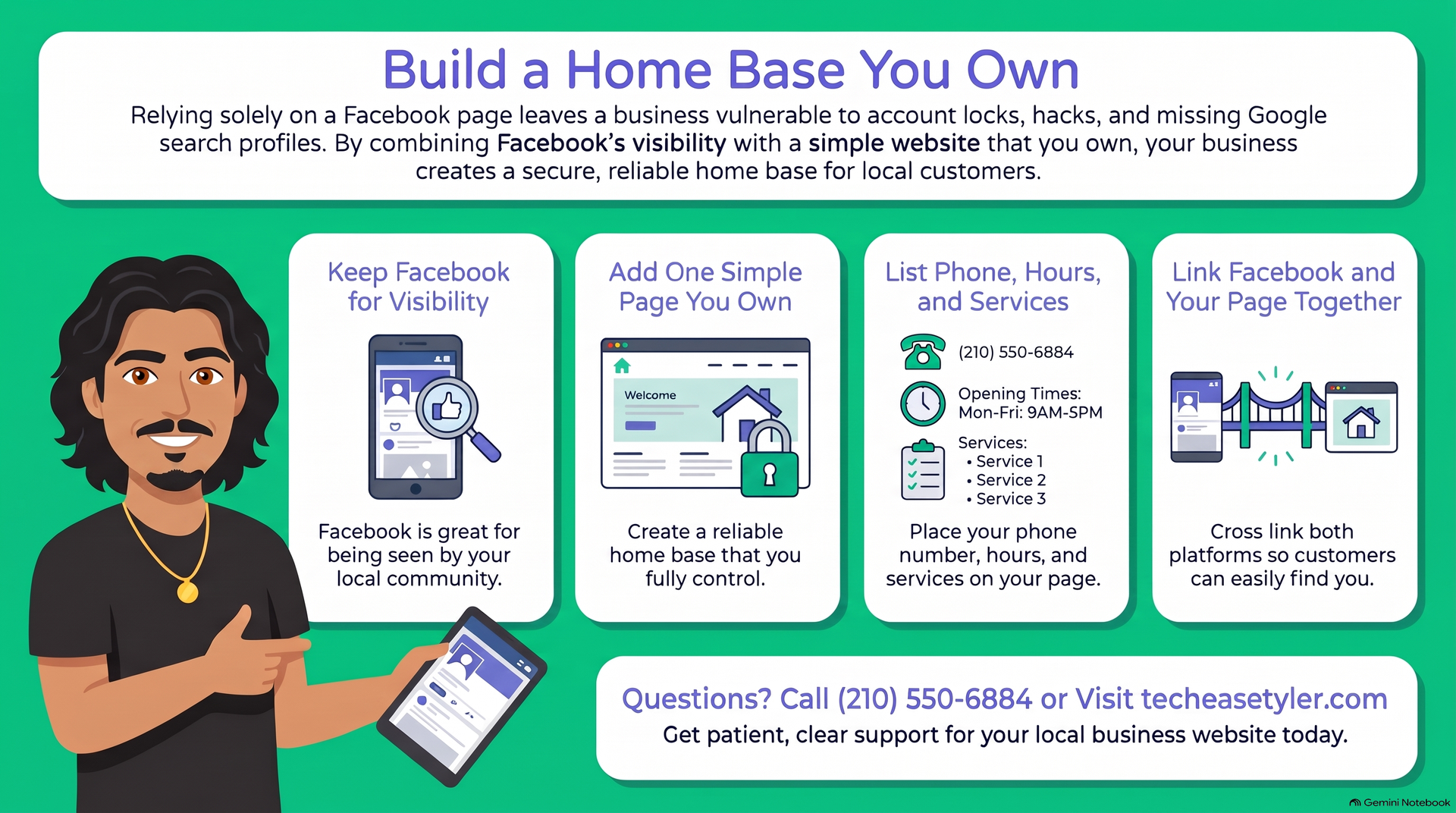
Keep posting on Facebook. It is still great for reaching neighbors. Then set up one simple page at an address that belongs to you, so you have a home base that does not depend on one company's rules.
Three things are enough: your phone number, your hours, and a plain list of what you do. Add your town so Tyler customers know you are local. A customer should be able to call you in under ten seconds.
Put your website address in the About section of your Facebook page. Then add a Facebook link on your website. Add the same website to your Google Business Profile too, so every door leads to the same place.
While you are tightening things up, make sure your own computer and logins are safe too. I explain why I do not use paid virus protection and what I recommend instead, and scammers go after small accounts as well, as in this local scam that hit Smith County families. Use a strong, unique password and turn on two-step login for your Facebook account today.
❓ Quick answers
Is a Facebook page enough for a small business?
It is a good start, but it should not be your only online home. Use Facebook to be seen, and use a page you own to be found. Use Facebook to be seen and your own page to be found. Together they cover both jobs.
Can Facebook really lock or disable my business page?
Yes, accounts can be disabled or restricted, and accounts can be hacked. Meta's Help Center covers both situations in its pages on disabled accounts and hacked accounts. That is why a second home online matters.
Do I have to stop using Facebook?
No. Keep posting there. Just make sure your phone number, hours and services also live on a page you own, and that the two link to each other.
How much does a simple website cost?
You can build one yourself. If you would rather have a local person do it, TechEase offers a one-page Landing Page for $150 one-time plus $49 a month for Website Care, or a Multi-Page Website for $300 one-time plus $49 a month for Website Care. You own the site, and there is no contract.
God Bless.
Robert
Owner, TechEase
"No jargon, no judgment, just patient help that makes sense."
📞 (210) 550-6884 | Transparent Flat-Rate Pricing | We Come to You